GPU开发文档

GPU具体硬件介绍,开发环境,以及开发软件接口可参考地平线征程6系统软件-J6X GPU模块开发和调试指南中的介绍。

示例

本示例为您展示调用OpenCL API实现简单的threshold功能。 示例位于samples/ucp_tutorial/gpu_sample目录中,代码结构如下:

+--gpu_sample
├── build.sh
├── CMakeLists.txt
├── code                      # 示例实现代码
│   ├── main.cc
│   ├── threshold.cl
│   ├── tool.cc
│   └── tool.h
├── README.md
└── script                    # 板端生成物
    ├── data                  # 示例数据目录
    └── run.sh

原理

dstx={maxval,srcx>threshold0,srcx<=threshold\begin{aligned}dst_x=\begin{cases}maxval, src_x > threshold\\0, src_x < = threshold\end{cases}\end{aligned}

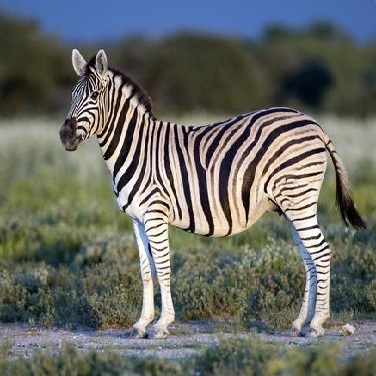
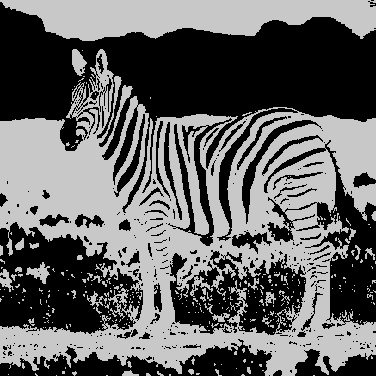
输入图像参数输出图像
imagethreshold=100 maxval=200image

线程配置

  1. 总的任务计算量WIDTHxHEIGHT,每个work item计算32x16的像素块大小,由此可以得出此划分下总work item数量如下:
(static_cast<size_t>(width) + workItemWidthSize - 1) / workItemWidthSize
(static_cast<size_t>(height) + workItemHeightSize - 1) /workItemHeightSize
  1. 线程组配置为4x4。

环境构建

开发板准备

拿到开发板后,确保使用推荐的系统镜像版本,以及本地开发机和开发板可以远程连接。

编译

gpu sample仅支持编译生成板端执行的生成物。参考执行脚本如下:

cd gpu_sample/
bash build.sh

示例使用

上板运行,将script目录拷贝到板端,执行如下命令:

cd script
bash run.sh