

GPU Development Documentation
For the specific GPU hardware introduction, development environment, and development software interface, please refer to the introduction in the Horizon Journey 6 System Software - J6X GPU Module Development and Debugging Guide.
GPU custom operator development related to OpenCL is not supported on the QNX operating system.
Sample
This sample shows you how to call the OpenCL API to implement a simple threshold function:
The gpu sample is located in samples/ucp_tutorial/gpu_sample, and the code structure is as follows:
Principle
| Input Image | Parameters | Output Image |
|---|---|---|
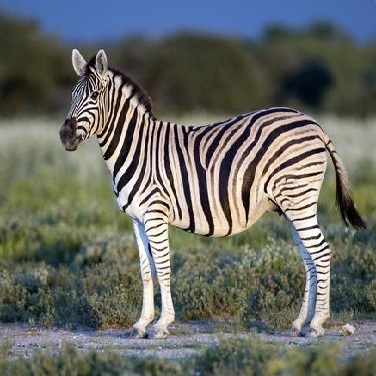 | threshold=100 maxval=200 | 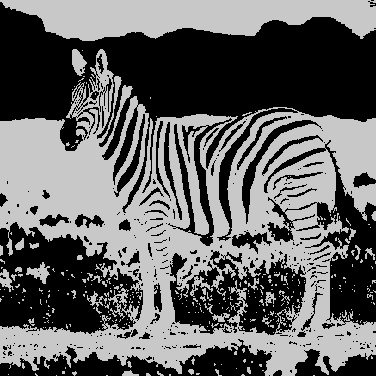 |
Thread Configuration
- The total task calculation amount is WIDTHxHEIGHT. Each work item calculates the pixel block size of 32x16. From this, the total number of work items under this division can be obtained as follows:
- Each thread group is configured with 4x4 work items.
Environment Construction
Development Board Preparation
After getting the development board, make sure to use the recommended system image version and that the local development machine and the development board can be remotely connected.
Compile
The GPU sample only supports compiling and generating products that are executed on the board, the execution script is as follows:
Sample Usage
Run on the board, copy the script directory to the board, and execute the following command: